What Are the Components of Structured Cabling? A Comprehensive Guide

Andrew McConkie • June 1, 2024

What are the components of structured cabling? When it comes to structured cabling, think of it as the backbone of your network, supporting and connecting everything seamlessly. From the types of cables used to the connectors and termination methods employed, each component plays a crucial role in ensuring a reliable and efficient infrastructure.


But what about the patch panels and racks that tie it all together? Stay tuned to uncover the key elements that make up a well-organized and high-performing structured cabling system.


Types of Cables


When setting up a structured cabling system, it's crucial to understand the different types of cables available for optimal performance and efficiency. Two primary types of cables commonly used in structured cabling are fiber optic and twisted pair cables.


Fiber optic cables transmit data using light pulses through glass or plastic fibers. They offer high bandwidth and are immune to electromagnetic interference, making them ideal for long-distance communication and high-speed data transfer. Fiber optic cables are commonly used in scenarios where data needs to travel long distances without loss of signal quality.


Twisted pair cables consist of pairs of insulated copper wires twisted together to reduce electromagnetic interference. They're further categorized into shielded twisted pair (STP) and unshielded twisted pair (UTP). Twisted pair cables are versatile, cost-effective, and suitable for shorter distances within a building's infrastructure for applications like Ethernet networking.


Understanding the differences between fiber optic and twisted pair cables is essential for designing a structured cabling system that meets the specific needs of your network infrastructure.


Connectors and Termination


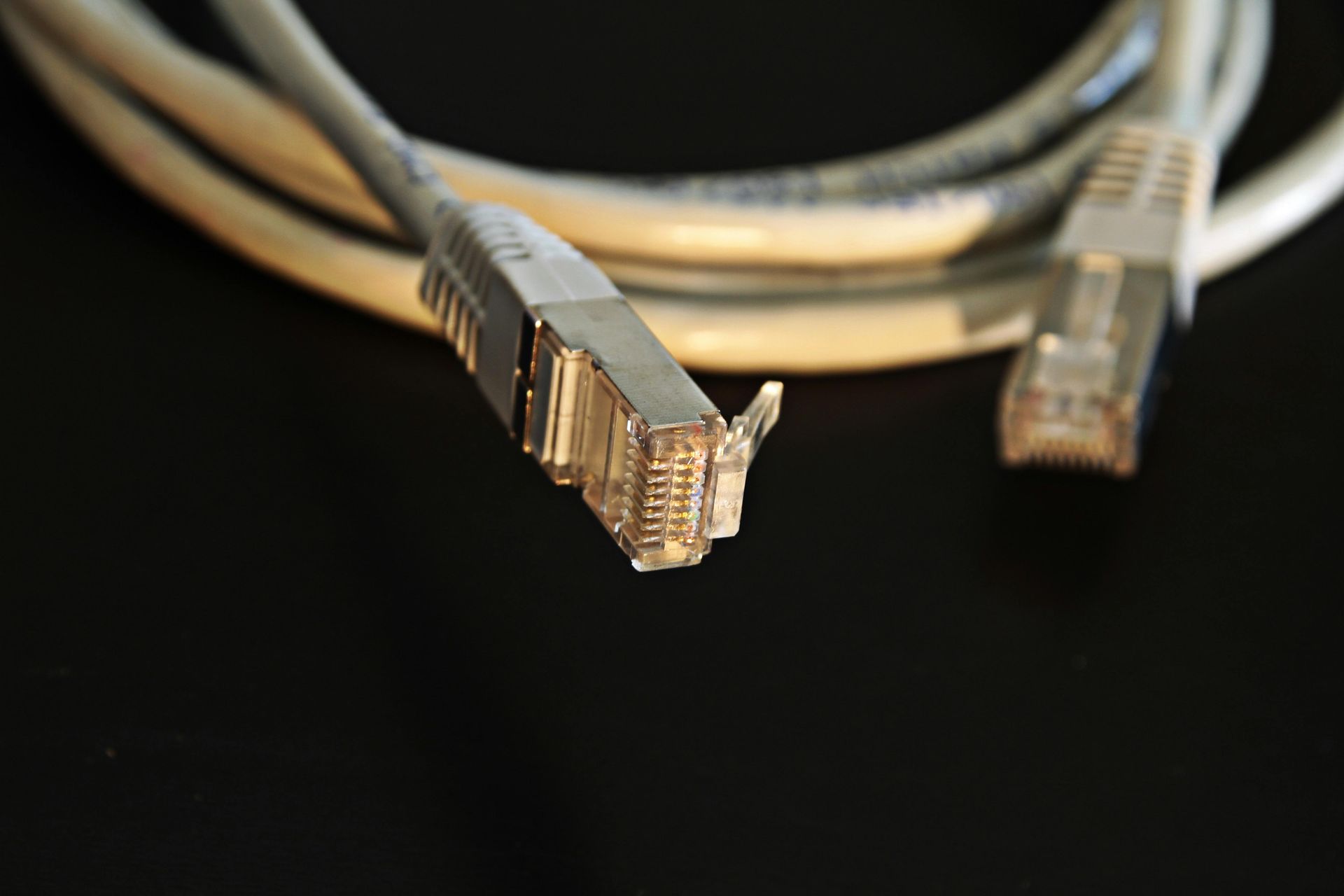
What're the key components involved in connectors and termination within a structured cabling system? Connectors play a crucial role in establishing reliable connections between cables. Common connectors include RJ45 for Ethernet cables and LC or SC connectors for fiber optic cables. Termination refers to the process of connecting cables to these connectors. This is typically done using crimp tools, which securely attach the connectors to the cable ends. Proper termination is essential for ensuring data transmission efficiency and minimizing signal loss.


Cable management is another critical aspect of structured cabling. It involves organizing and securing cables to maintain a neat and efficient cabling system. Effective cable management not only improves the aesthetics of the setup but also facilitates easier maintenance and troubleshooting. Using cable trays, racks, and cable ties can help keep cables organized and prevent tangling or damage. Proper cable management also aids in airflow within network cabinets, preventing overheating issues. By paying attention to connectors, termination, and cable management, you can ensure a well-structured and reliable cabling system.


Patch Panels and Racks


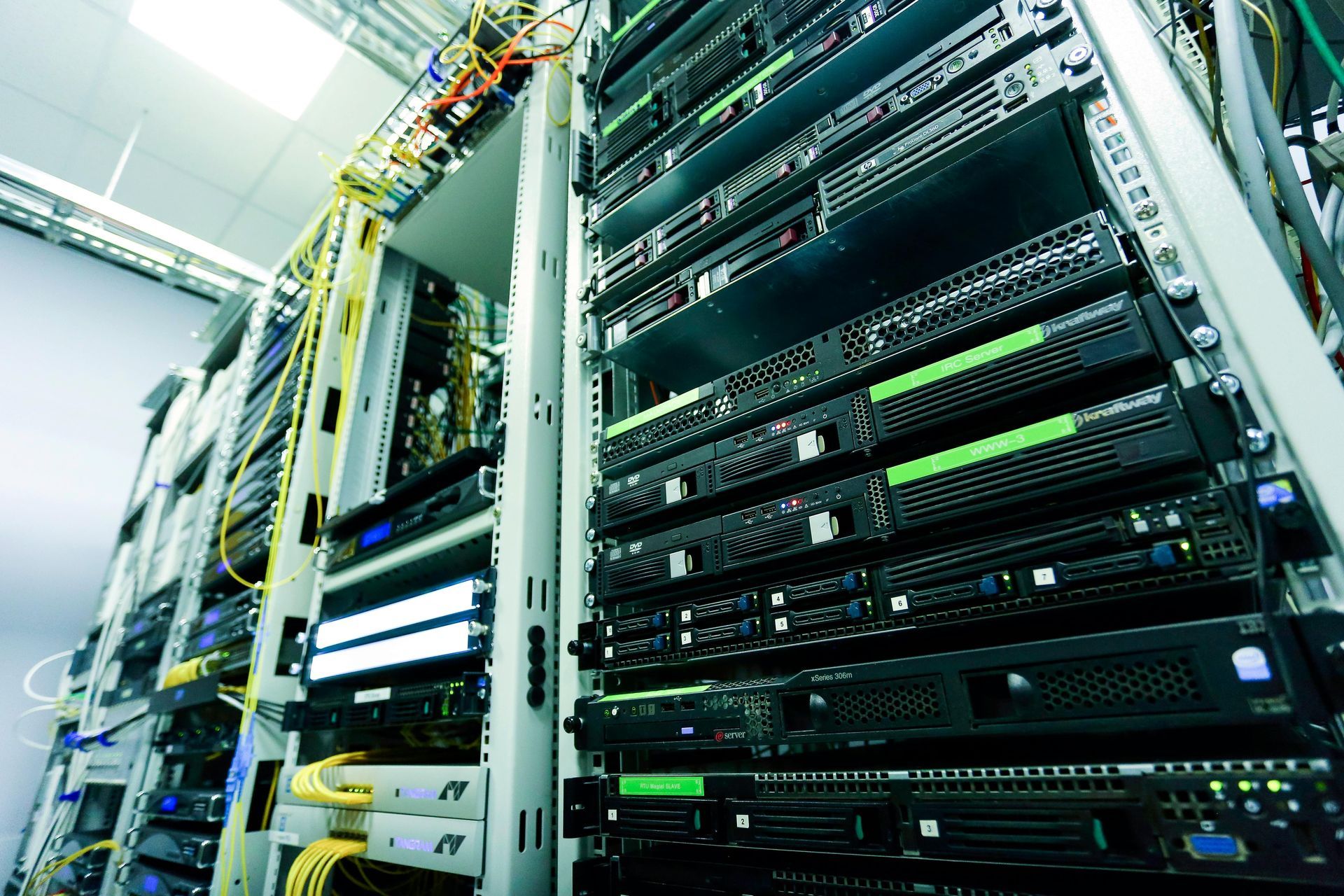
Patch panels and racks serve as essential components in structured cabling systems, providing organization and connectivity for network cables. Patch panels are used to terminate and manage the ends of the cables, allowing for easy connection and disconnection. Racks, on the other hand, offer a framework for mounting various equipment, including patch panels, switches, and servers, ensuring a centralized and structured layout for the network.


When installing patch panels and racks, it's crucial to consider cable management solutions to keep the cables neat and organized. Proper installation techniques such as securing cables with cable ties or using cable management arms can help maintain a clean and efficient setup. Additionally, implementing network organization and cable labeling strategies is essential for easy identification and troubleshooting. Labeling cables at both ends and documenting the connections on patch panels can significantly simplify maintenance and upgrades in the future. By following these practices, you can optimize the performance and reliability of your structured cabling system.


Conclusion


In conclusion, the components of structured cabling include various types of cables such as twisted pair and fiber optic, connectors for termination like RJ45 and LC, and patch panels and racks for organization and management.


It's essential to ensure proper installation and maintenance of these components to establish a reliable and efficient network infrastructure. Each component plays a crucial role in the overall functionality and performance of the structured cabling system.

By Art Rodriguez December 15, 2025
Many Slow Network Problems Aren’t the Internet Provider’s Fault When a business experiences slow internet, dropped connections, or unreliable Wi-Fi, the first call is usually to the internet service provider. While bandwidth matters, we often find the real issue has nothing to do with internet speed at all. At RGV Geeks , we regularly troubleshoot networks across McAllen, Edinburg, Pharr, Brownsville, and the surrounding Rio Grande Valley , and one problem shows up again and again: poor network cabling . What Is Network Cabling, Really? Network cabling is the physical infrastructure that connects everything in your office, including: Desktop computers VoIP phones Wireless access points Printers Security cameras Servers and network switches Even with fast fiber internet, bad cabling creates bottlenecks before data ever reaches your devices . Common Cabling Problems We See in Local Offices Here are the most frequent cabling issues we encounter during site visits: 1. Old or Damaged Ethernet Cables Cables installed 10–15 years ago may not support modern speeds or Power over Ethernet (PoE). 2. Poor Terminations Loose connectors, poorly crimped ends, or incorrect wiring can cause: Intermittent connectivity Slow speeds Devices randomly disconnecting 3. Improper Cable Types Using Cat5 instead of Cat6 or Cat6A limits performance, especially for: VoIP phone systems Security cameras High-traffic office networks 4. Unlabeled or Disorganized Cabling We often find: Cables not labeled Patch panels missing or unused Switches with tangled cords This makes troubleshooting slower and more expensive. Why Fast Internet Can Still Feel Slow Your internet speed is only part of the equation. If your internal cabling can’t handle modern data demands, you may experience: Choppy VoIP calls Slow file transfers Unstable Wi-Fi POS or camera system issues Random network outages Think of it like installing a powerful water pump but using old, narrow pipes — the flow is restricted no matter how strong the source is . When Cabling Matters the Most Quality network cabling is especially critical for: VoIP phone systems Retail stores and POS systems Security cameras and NVRs Multi-office or warehouse environments Businesses relying on cloud services In many cases, upgrading cabling delivers a bigger performance improvement than upgrading internet service. Professional Cabling = Long-Term Savings Properly installed and tested cabling: Improves reliability Reduces troubleshooting time Supports future upgrades Lowers long-term IT costs It also allows us to properly diagnose problems without guessing. How RGV Geeks Approaches Network Cabling When we evaluate a network, we: Perform onsite discovery Identify cable types and conditions Verify terminations and patch panels Test connectivity and performance Recommend only what’s necessary Our goal is not to oversell — it’s to build a stable, scalable network that works . Not Sure If Cabling Is Your Problem? If your business is experiencing slow speeds, dropped connections, or unreliable phones or Wi-Fi, your cabling may be the real issue. 📍 Serving McAllen, Edinburg, Pharr, Brownsville, and the Rio Grande Valley 📞 Contact RGV Geeks to schedule a professional network evaluation
network cabling troubleshooting
June 23, 2025
Having slow internet? Learn effective network cabling troubleshooting tips to identify and fix the issue to improve your internet speed and connectivity.
wired and wireless networks
June 17, 2025
Learn the pros and cons of wired and wireless networks to help you make an informed decision on choosing the right network for your business.
IT risk assessment
May 10, 2025
Explore the top 5 red flags you shouldn't ignore in IT risk assessment to ensure the security and protection of your organization's data and systems.
why SMBs are turning to MSPs
May 10, 2025
Finding effective cybersecurity solutions is crucial for SMBs, and MSPs may hold the key to safeguarding your business against evolving threats.
Computer Network Security
April 9, 2025
Explore the world of computer network security, including key concepts, strategies, and best practices to safeguard your network from cyber threats.
What is a WAN Computer Network
April 9, 2025
A Wide Area Network (WAN) is a computer network that covers a broad area. Learn more about how it operates and its importance in connecting multiple devices.
What is a LAN computer Network
April 9, 2025
A LAN computer network is a network of interconnected computers within a limited area such as a home, office, or campus. Learn more about how LANs work.
How computer network switches work
April 9, 2025
Learn how computer network switches work by understanding their functions, types, and importance in data transmission and network communication.
How Computer Networks work
April 9, 2025
Learn how computer networks work and the basics of networking technology to better understand how data is shared and devices are connected.