What are Cyber Threats and Vulnerabilities

Cyber threats and vulnerabilities refer to potential risks and weaknesses within a computer system or network that can be exploited by malicious actors to compromise the confidentiality, integrity, or availability of data. These threats can come in various forms, such as malware, phishing attacks, ransomware, or denial of service attacks, and can have devastating consequences for individuals, organizations, and entire industries.
As technology continues to advance, the number and complexity of cyber threats and vulnerabilities are also increasing, making it more important than ever for individuals and organizations to stay vigilant and regularly update their security measures to protect against potential attacks. Let's start exploring some common cyber threats and vulnerabilities and provide tips for how to mitigate the risks associated with them.
Cyber Threats and Vulnerabilities
Cyber threats and vulnerabilities are risks that individuals, organizations, and governments face in the digital world. These threats and vulnerabilities can come in many different forms, and can have serious consequences if not adequately addressed. Some common cyber threats and vulnerabilities include:
Malware
Malware is malicious software that can infect a computer or network, causing damage or stealing sensitive information. This can include viruses, worms, trojans, and ransomware.
Phishing
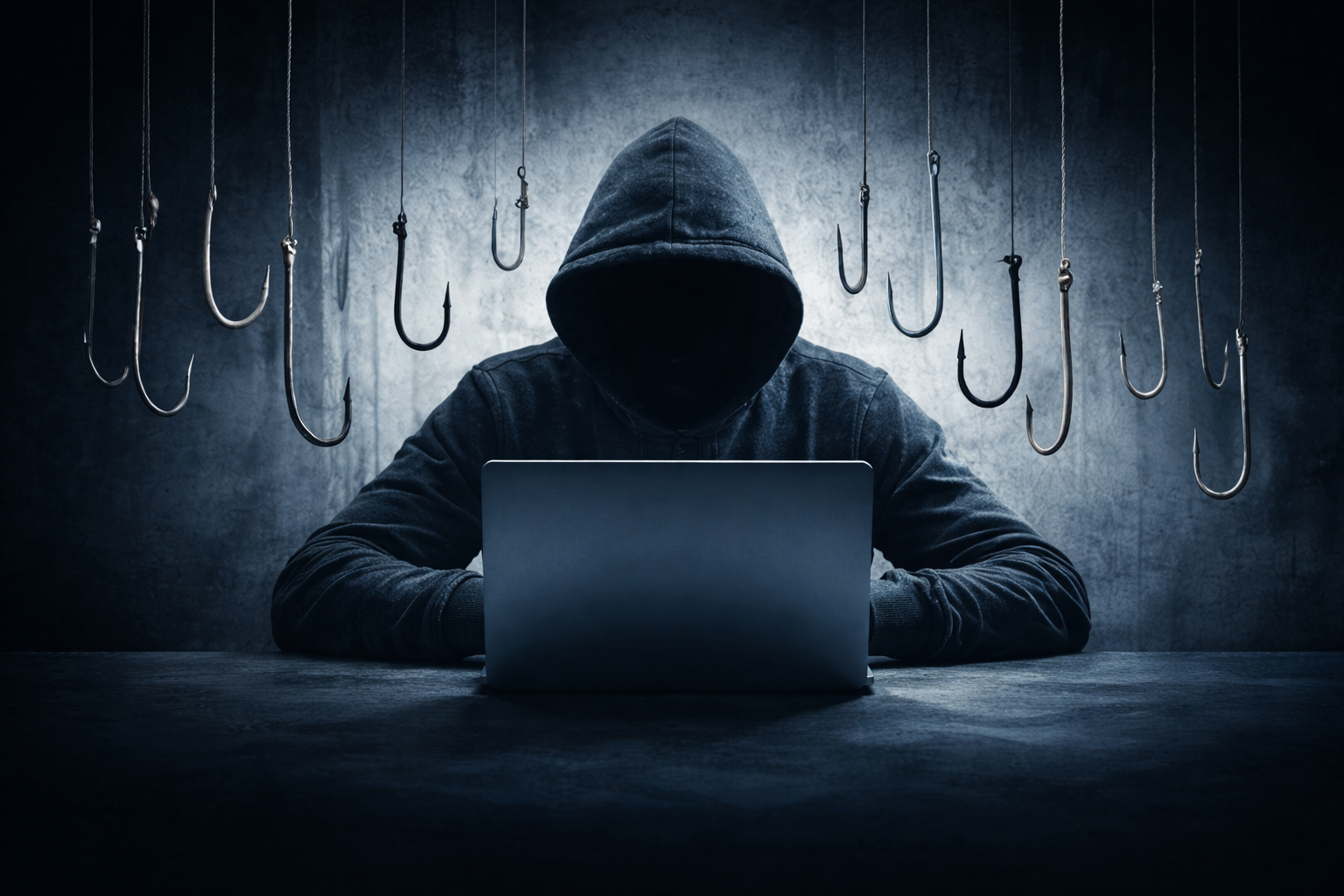
Phishing is a type of cyber attack where attackers impersonate legitimate organizations in order to steal sensitive information, such as login credentials or financial information.
DDoS attacks
Distributed denial of service (DDoS) attacks occur when multiple systems flood a targeted system or network with traffic, causing it to become overwhelmed and unavailable to legitimate users.
Insider threats
Insider threats occur when individuals within an organization misuse their access to sensitive information, either intentionally or unintentionally.
Weak passwords
Weak passwords can make it easier for attackers to gain unauthorized access to systems and networks. This can include using easily guessable passwords or not regularly updating passwords.
Unpatched software
Software vulnerabilities are weaknesses in software programs that can be exploited by attackers to gain unauthorized access to systems or networks. Failing to regularly update and patch software can leave systems vulnerable to known exploits.
Social engineering
Social engineering is a tactic used by attackers to manipulate individuals into giving up sensitive information or taking harmful actions. This can include tactics such as pretexting, baiting, or tailgating.
Unpatched Software
Failure to install security patches and updates for software and applications, leaving them vulnerable to known exploits.
Misconfigured Systems
Poorly configured firewalls, access controls, or security settings that leave systems open to exploitation.
Misconfigured Systems
Poorly configured firewalls, access controls, or security settings that leave systems open to exploitation.
Internet of Things (IoT) Vulnerabilities
Insecure IoT devices that can be compromised and used as entry points to launch attacks on a network.
Data Breaches
Unauthorized access to and disclosure of sensitive data, leading to financial loss, reputational damage, and legal consequences.
Impacts of Cyber Threats on Businesses
Financial Loss - Cyber threats can result in significant financial losses for businesses, including from theft of funds, extortion payments, and costs associated with data recovery and system restoration.
Reputational Damage - Data breaches and other cyber incidents can damage a company's reputation and erode customer trust. This can lead to a loss of customers, negative publicity, and long-term damage to the brand.
Legal and Regulatory Consequences - Businesses that fail to adequately protect their data can face legal and regulatory consequences, including fines and lawsuits. This can result in further financial losses and damage to the company's reputation.
Disruption to Operations - Cyber attacks can disrupt a company's operations, leading to downtime, loss of productivity, and additional costs to restore systems and services.
Intellectual Property Theft - Cyber threats can lead to the theft of valuable intellectual property, including trade secrets, customer data, and proprietary information. This can have long-term consequences for the company's competitiveness and innovation.
Compliance Issues - Businesses in certain industries may be subject to regulatory requirements regarding data protection and cybersecurity. Failure to comply with these regulations can result in fines and other penalties.
Loss of Competitive Advantage - Companies that fall victim to cyber threats may lose their competitive advantage if their proprietary information or business strategies are compromised. This can have long-term implications for the company's success and market position.
Damage to Relationships with Partners and Suppliers - Cyber attacks on a business can also impact its relationships with partners, suppliers, and other stakeholders. These entities may lose trust in the company's ability to protect sensitive information, leading to strained relationships and potential loss of business opportunities.
How to avoid being a victim of cyber threats
Keep your software and devices up to date - Make sure to regularly update your operating system, antivirus software, and other applications to protect against known vulnerabilities.
Use strong, unique passwords - Use different passwords for each online account and make sure they are complex and difficult to guess. Consider using a password manager to help you keep track of your passwords.
Be cautious of phishing scams - Be wary of unsolicited emails, messages, or phone calls that ask for personal information or prompt you to click on a link or download an attachment. Verify the legitimacy of the sender before taking any action.
Secure your network - Use a firewall and encrypt your internet connection to prevent unauthorized access to your data. Avoid using public Wi-Fi networks for sensitive activities and consider using a virtual private network (VPN) to encrypt your online activity.
Be careful with what you share online - Limit the amount of personal information you share on social media and other websites to reduce the risk of identity theft or fraud.
Backup your data - Regularly back up your important files and data to an external hard drive or cloud storage to protect against data loss in case of a cyber attack.
Educate yourself - Stay informed about the latest cyber threats and best practices for cybersecurity. Consider taking online courses or workshops to improve your knowledge and skills in this area.
Enable two-factor authentication - Add an extra layer of security to your online accounts by enabling two-factor authentication, which requires a second form of verification (such as a code sent to your phone) in addition to your password.
Monitor your accounts - Regularly check your bank statements, credit reports, and online accounts for any suspicious activity. Report any unauthorized transactions or suspicious behavior to the appropriate authorities.
Trust your instincts - If something seems too good to be true or if you feel uneasy about a website or communication, trust your gut and err on the side of caution. It's better to be safe than sorry when it comes to cybersecurity.
How RGV Geeks can Help?
RGV Geeks can help organizations protect themselves from cyber threats by providing expert advice and practical solutions. Our team of professionals can assist with network security, data protection, and cyber awareness training to ensure that your organization is well-equipped to defend against potential threats.
With our help, you can significantly reduce the risk of falling victim to cyber attacks and safeguard your business's sensitive information and valuable assets.