How to Find a Managed Service Provider in Texas: A Complete Guide

Andrew McConkie • May 18, 2024

When it comes to finding a managed service provider in Texas, you might worry about the overwhelming number of options available. However, by following a few key steps, you can streamline the process and find the right fit for your business needs.


From understanding your specific requirements to thoroughly vetting potential MSPs, each stage is crucial in ensuring a successful partnership.


So, let's dive into the essential strategies that will lead you to a reliable managed service provider in the Lone Star State.


Assess Your Business Needs


Evaluate your company's requirements thoroughly before embarking on the search for a Managed Service Provider in Texas. Identifying your priorities is crucial in this initial stage. Determine what aspects of your IT infrastructure need the most support and where you lack internal expertise. This will help you focus on finding an MSP that aligns with your specific needs.


Additionally, consider your budget constraints. Understanding how much you can allocate to managed services will guide your search towards providers that offer services within your financial capacity. It's essential to strike a balance between cost and quality of service.


Research Potential MSPs


When researching potential Managed Service Providers (MSPs) in Texas, start by compiling a list of companies that specialize in the specific IT services your business requires.


Compare options by looking into the range of services offered, the expertise in your industry, and the reputation of the MSP within the market. Customer reviews play a crucial role in this phase of research. Seek out feedback from current and past clients to gauge the level of satisfaction and the provider's ability to meet expectations.


Look for testimonials that highlight the MSP's responsiveness, problem-solving skills, and overall performance. Analyzing customer reviews can provide valuable insights into the MSP's reliability and customer service.


Furthermore, consider factors like the MSP's scalability, security measures, and disaster recovery plans.


Evaluate Services and Pricing


To assess the value proposition of Managed Service Providers (MSPs) in Texas, delve into a comprehensive analysis of their service offerings and corresponding pricing structures. When evaluating MSPs, prioritize service quality and client satisfaction. Look for providers that offer a range of services tailored to meet your specific business needs. Assess the level of support they provide, including monitoring, maintenance, and troubleshooting capabilities. Additionally, consider the scalability of their services to ensure they can grow with your business.


Conduct a cost comparison among different MSPs to determine the best value proposition. While price is an important factor, it should be weighed against the quality of services offered. Ensure that the pricing structure is transparent and aligns with your budgetary constraints. Look for providers that offer competitive pricing without compromising on service quality. Remember, the goal is to find an MSP that not only fits your budget but also delivers exceptional value for the services provided.


Conclusion


In conclusion, finding a managed service provider in Texas requires careful assessment of your business needs, thorough research of potential MSPs, and detailed evaluation of services and pricing.


By following these steps, you can ensure that you choose a provider that meets your specific requirements and budget. Remember to prioritize reliability, expertise, and customer service when making your decision.


With the right MSP, you can streamline your IT operations and focus on growing your business.


By Art Rodriguez December 15, 2025
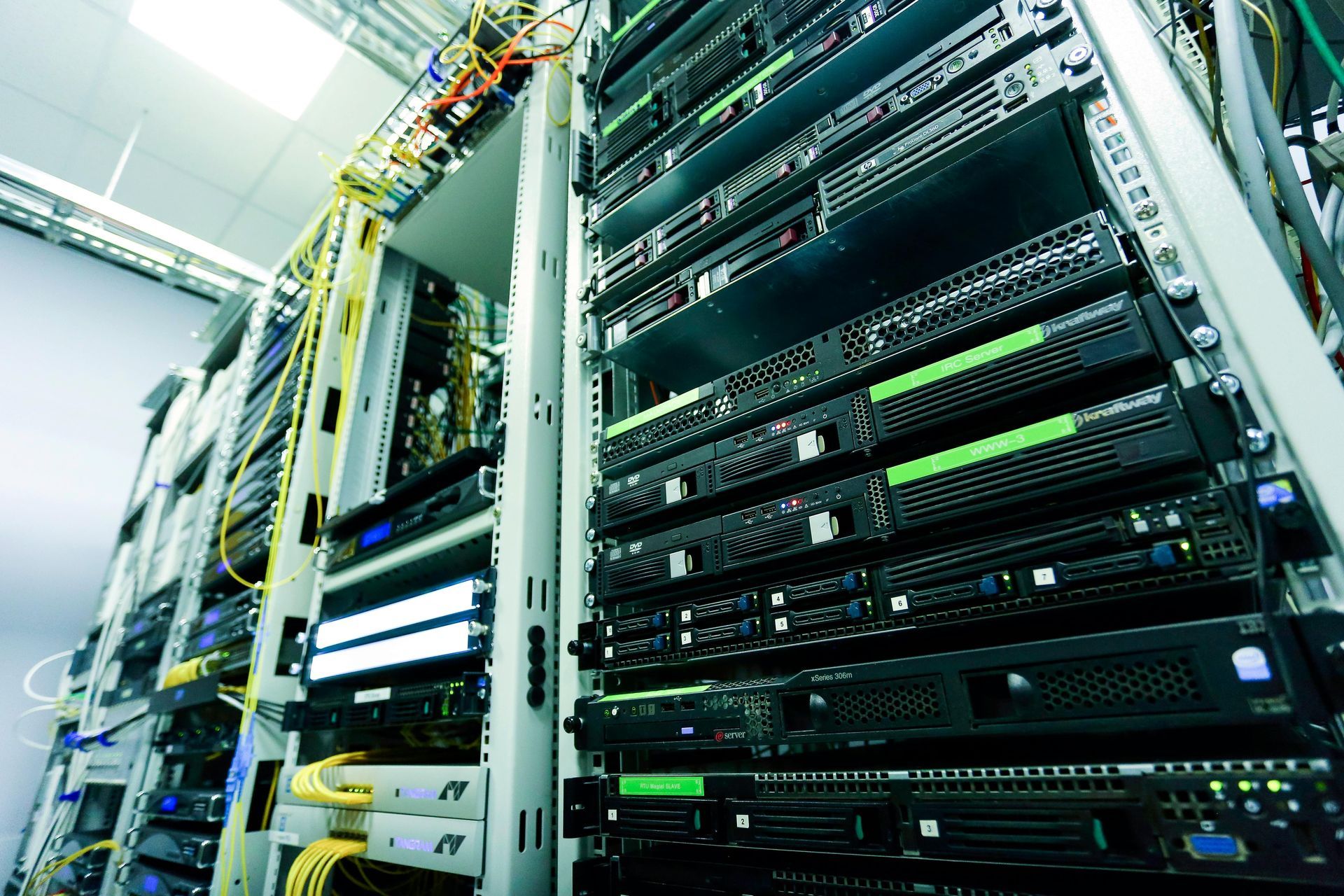
Many Slow Network Problems Aren’t the Internet Provider’s Fault When a business experiences slow internet, dropped connections, or unreliable Wi-Fi, the first call is usually to the internet service provider. While bandwidth matters, we often find the real issue has nothing to do with internet speed at all. At RGV Geeks , we regularly troubleshoot networks across McAllen, Edinburg, Pharr, Brownsville, and the surrounding Rio Grande Valley , and one problem shows up again and again: poor network cabling . What Is Network Cabling, Really? Network cabling is the physical infrastructure that connects everything in your office, including: Desktop computers VoIP phones Wireless access points Printers Security cameras Servers and network switches Even with fast fiber internet, bad cabling creates bottlenecks before data ever reaches your devices . Common Cabling Problems We See in Local Offices Here are the most frequent cabling issues we encounter during site visits: 1. Old or Damaged Ethernet Cables Cables installed 10–15 years ago may not support modern speeds or Power over Ethernet (PoE). 2. Poor Terminations Loose connectors, poorly crimped ends, or incorrect wiring can cause: Intermittent connectivity Slow speeds Devices randomly disconnecting 3. Improper Cable Types Using Cat5 instead of Cat6 or Cat6A limits performance, especially for: VoIP phone systems Security cameras High-traffic office networks 4. Unlabeled or Disorganized Cabling We often find: Cables not labeled Patch panels missing or unused Switches with tangled cords This makes troubleshooting slower and more expensive. Why Fast Internet Can Still Feel Slow Your internet speed is only part of the equation. If your internal cabling can’t handle modern data demands, you may experience: Choppy VoIP calls Slow file transfers Unstable Wi-Fi POS or camera system issues Random network outages Think of it like installing a powerful water pump but using old, narrow pipes — the flow is restricted no matter how strong the source is . When Cabling Matters the Most Quality network cabling is especially critical for: VoIP phone systems Retail stores and POS systems Security cameras and NVRs Multi-office or warehouse environments Businesses relying on cloud services In many cases, upgrading cabling delivers a bigger performance improvement than upgrading internet service. Professional Cabling = Long-Term Savings Properly installed and tested cabling: Improves reliability Reduces troubleshooting time Supports future upgrades Lowers long-term IT costs It also allows us to properly diagnose problems without guessing. How RGV Geeks Approaches Network Cabling When we evaluate a network, we: Perform onsite discovery Identify cable types and conditions Verify terminations and patch panels Test connectivity and performance Recommend only what’s necessary Our goal is not to oversell — it’s to build a stable, scalable network that works . Not Sure If Cabling Is Your Problem? If your business is experiencing slow speeds, dropped connections, or unreliable phones or Wi-Fi, your cabling may be the real issue. 📍 Serving McAllen, Edinburg, Pharr, Brownsville, and the Rio Grande Valley 📞 Contact RGV Geeks to schedule a professional network evaluation
network cabling troubleshooting
June 23, 2025
Having slow internet? Learn effective network cabling troubleshooting tips to identify and fix the issue to improve your internet speed and connectivity.
wired and wireless networks
June 17, 2025
Learn the pros and cons of wired and wireless networks to help you make an informed decision on choosing the right network for your business.
IT risk assessment
May 10, 2025
Explore the top 5 red flags you shouldn't ignore in IT risk assessment to ensure the security and protection of your organization's data and systems.
why SMBs are turning to MSPs
May 10, 2025
Finding effective cybersecurity solutions is crucial for SMBs, and MSPs may hold the key to safeguarding your business against evolving threats.
Computer Network Security
April 9, 2025
Explore the world of computer network security, including key concepts, strategies, and best practices to safeguard your network from cyber threats.
What is a WAN Computer Network
April 9, 2025
A Wide Area Network (WAN) is a computer network that covers a broad area. Learn more about how it operates and its importance in connecting multiple devices.
What is a LAN computer Network
April 9, 2025
A LAN computer network is a network of interconnected computers within a limited area such as a home, office, or campus. Learn more about how LANs work.
How computer network switches work
April 9, 2025
Learn how computer network switches work by understanding their functions, types, and importance in data transmission and network communication.
How Computer Networks work
April 9, 2025
Learn how computer networks work and the basics of networking technology to better understand how data is shared and devices are connected.