

Don't Fall for It: Spotting Phishing Scams in 2026
Art Rodriguez • January 5, 2026
How Phishing Scams Work

Phishing attacks are one of the fastest-growing cybersecurity threats today. Over 90% of cyber attacks start with a simple email designed to trick you into giving up sensitive information. Scammers are becoming more sophisticated, often pretending to be trusted organizations like banks, government agencies, or cloud services.
This guide will help you spot phishing emails before they become a costly problem.
Phishing emails are designed to look legitimate, but they have hidden malicious intent. Common tactics include:
* Fake invoices or payment requests
* Password reset notifications from your email provider
* Urgent warnings claiming your account will be suspended
The goal is always the same: trick you into clicking a link, downloading an attachment, or revealing personal information.
Recent Examples to Watch Out For
Here are some phishing attempts currently circulating:
* customer-documents@ssa-system.gov — fake Social Security alerts
* Emails claiming “Your Microsoft account isn’t linked properly”
* Fake cloud storage invoices requesting payment
Even if an email looks official, always double-check the sender’s address and the links before taking action.
Common Phishing Red Flags
1. Suspicious Email Addresses — look for small misspellings or unusual domains
2. Unexpected Attachments or Links — avoid opening anything you weren’t expecting
3. Generic Greetings — “Dear Customer” instead of your name
4. Urgent or Threatening Language — “Immediate action required” or “Account suspended”
5. Requests for Sensitive Information — never share passwords, SSNs, or banking info via email
How to Protect Yourself
Here are simple, effective ways to stay safe:
* Hover over links to see where they really go
* Verify the sender using official contact info
* Enable 2FA/MFA on all accounts
* Use reliable endpoint protection
* Train employees to recognize phishing attempts
Conclusion
Phishing scams are more sophisticated than ever, but with a little vigilance, you can protect your accounts, your business, and your personal information. Always double-check emails, avoid clicking unknown links, and download our free checklist to stay a step ahead of scammers.
Need help protecting your business from phishing attacks? Contact us today for a security check and proactive protection plan.
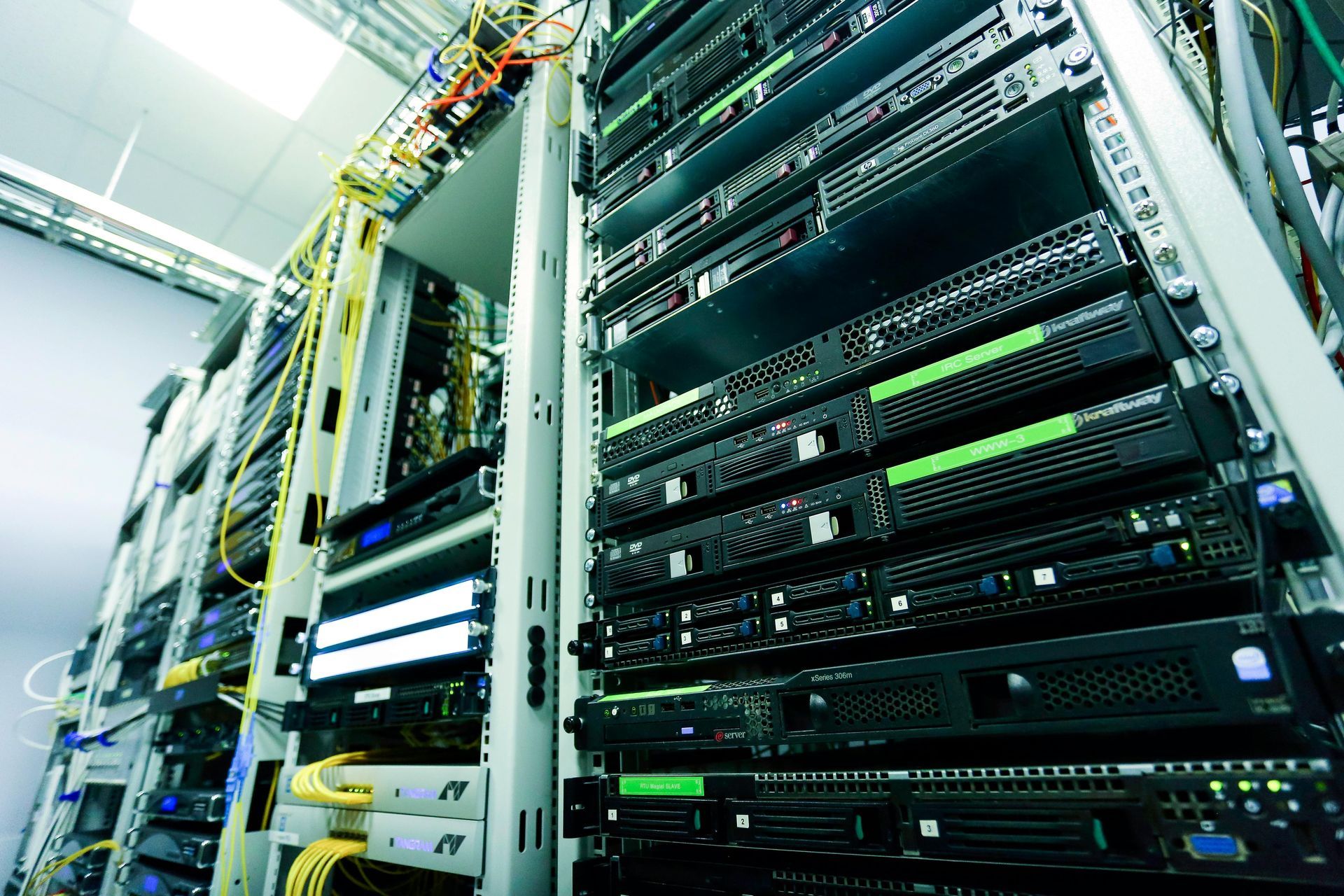
Does Your Business Need a Managed IT Provider?
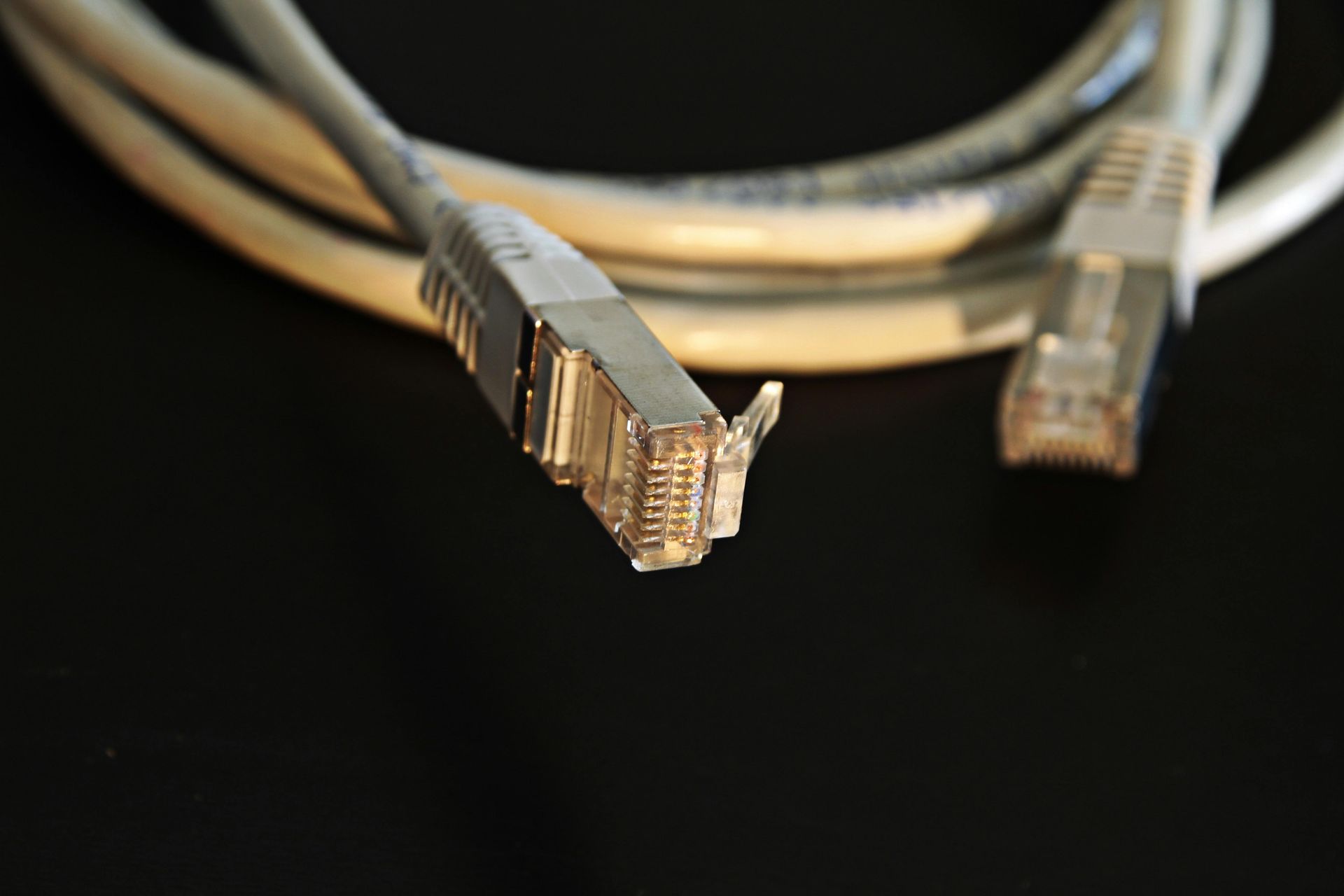
Many Slow Network Problems Aren’t the Internet Provider’s Fault When a business experiences slow internet, dropped connections, or unreliable Wi-Fi, the first call is usually to the internet service provider. While bandwidth matters, we often find the real issue has nothing to do with internet speed at all. At RGV Geeks , we regularly troubleshoot networks across McAllen, Edinburg, Pharr, Brownsville, and the surrounding Rio Grande Valley , and one problem shows up again and again: poor network cabling . What Is Network Cabling, Really? Network cabling is the physical infrastructure that connects everything in your office, including: Desktop computers VoIP phones Wireless access points Printers Security cameras Servers and network switches Even with fast fiber internet, bad cabling creates bottlenecks before data ever reaches your devices . Common Cabling Problems We See in Local Offices Here are the most frequent cabling issues we encounter during site visits: 1. Old or Damaged Ethernet Cables Cables installed 10–15 years ago may not support modern speeds or Power over Ethernet (PoE). 2. Poor Terminations Loose connectors, poorly crimped ends, or incorrect wiring can cause: Intermittent connectivity Slow speeds Devices randomly disconnecting 3. Improper Cable Types Using Cat5 instead of Cat6 or Cat6A limits performance, especially for: VoIP phone systems Security cameras High-traffic office networks 4. Unlabeled or Disorganized Cabling We often find: Cables not labeled Patch panels missing or unused Switches with tangled cords This makes troubleshooting slower and more expensive. Why Fast Internet Can Still Feel Slow Your internet speed is only part of the equation. If your internal cabling can’t handle modern data demands, you may experience: Choppy VoIP calls Slow file transfers Unstable Wi-Fi POS or camera system issues Random network outages Think of it like installing a powerful water pump but using old, narrow pipes — the flow is restricted no matter how strong the source is . When Cabling Matters the Most Quality network cabling is especially critical for: VoIP phone systems Retail stores and POS systems Security cameras and NVRs Multi-office or warehouse environments Businesses relying on cloud services In many cases, upgrading cabling delivers a bigger performance improvement than upgrading internet service. Professional Cabling = Long-Term Savings Properly installed and tested cabling: Improves reliability Reduces troubleshooting time Supports future upgrades Lowers long-term IT costs It also allows us to properly diagnose problems without guessing. How RGV Geeks Approaches Network Cabling When we evaluate a network, we: Perform onsite discovery Identify cable types and conditions Verify terminations and patch panels Test connectivity and performance Recommend only what’s necessary Our goal is not to oversell — it’s to build a stable, scalable network that works . Not Sure If Cabling Is Your Problem? If your business is experiencing slow speeds, dropped connections, or unreliable phones or Wi-Fi, your cabling may be the real issue. 📍 Serving McAllen, Edinburg, Pharr, Brownsville, and the Rio Grande Valley 📞 Contact RGV Geeks to schedule a professional network evaluation

Having slow internet? Learn effective network cabling troubleshooting tips to identify and fix the issue to improve your internet speed and connectivity.

Learn the pros and cons of wired and wireless networks to help you make an informed decision on choosing the right network for your business.

Explore the top 5 red flags you shouldn't ignore in IT risk assessment to ensure the security and protection of your organization's data and systems.

Finding effective cybersecurity solutions is crucial for SMBs, and MSPs may hold the key to safeguarding your business against evolving threats.

Explore the world of computer network security, including key concepts, strategies, and best practices to safeguard your network from cyber threats.
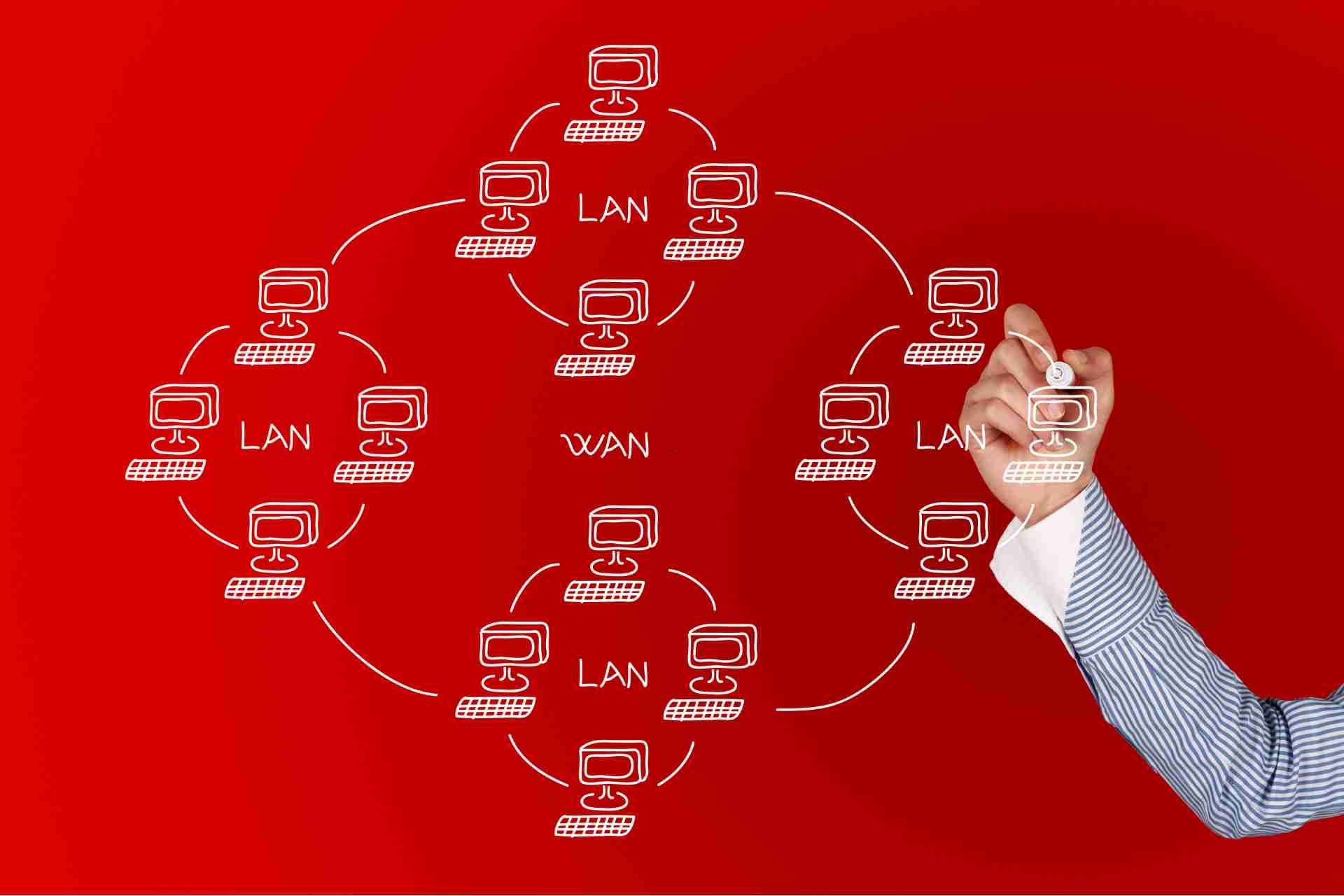
A Wide Area Network (WAN) is a computer network that covers a broad area. Learn more about how it operates and its importance in connecting multiple devices.

A LAN computer network is a network of interconnected computers within a limited area such as a home, office, or campus. Learn more about how LANs work.
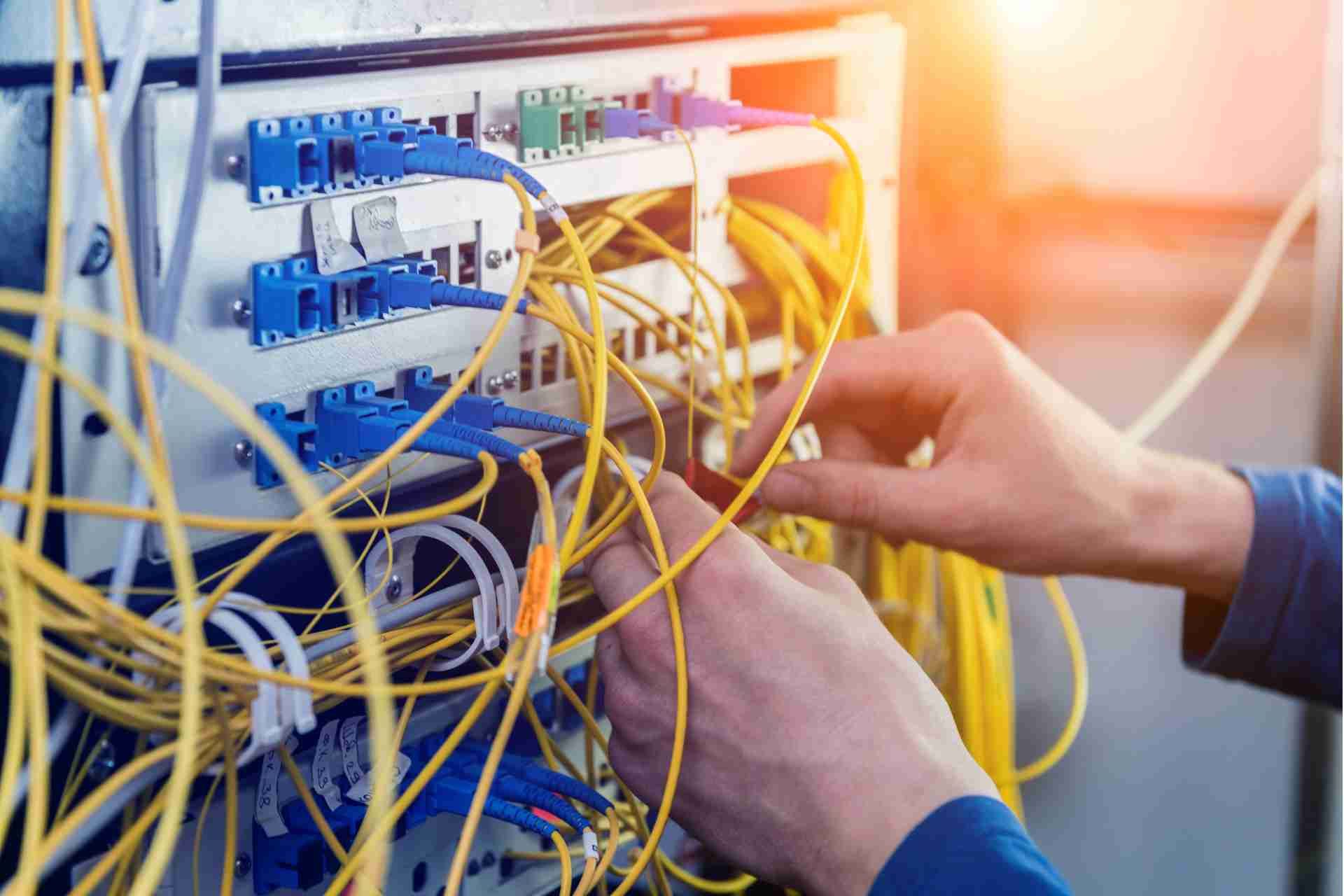
Learn how computer network switches work by understanding their functions, types, and importance in data transmission and network communication.
